

Every image your brand needs,from one table.
Pick a template, add a row for each image, and export the whole set in every format at once — in your colours, your fonts, your logo.


Hoverfly demo.
How it works
- 01
Pick a template
Choose a design from the gallery. Each one already knows which values it needs and which formats it produces.
- 02
Fill in the rows
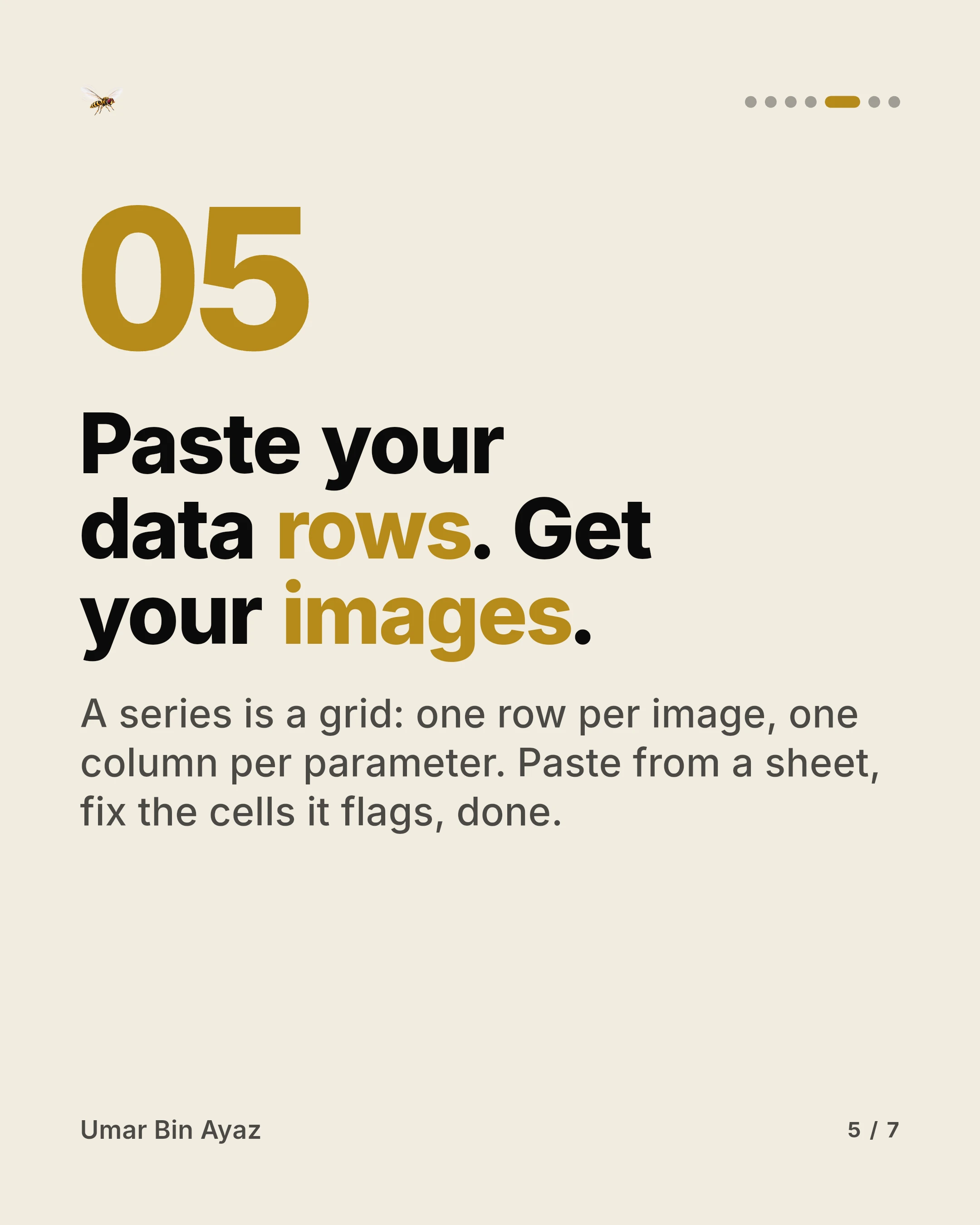
One row per image. Type the values in, paste them from a spreadsheet, or import a CSV or Excel file and match the columns.
- 03
Export the set
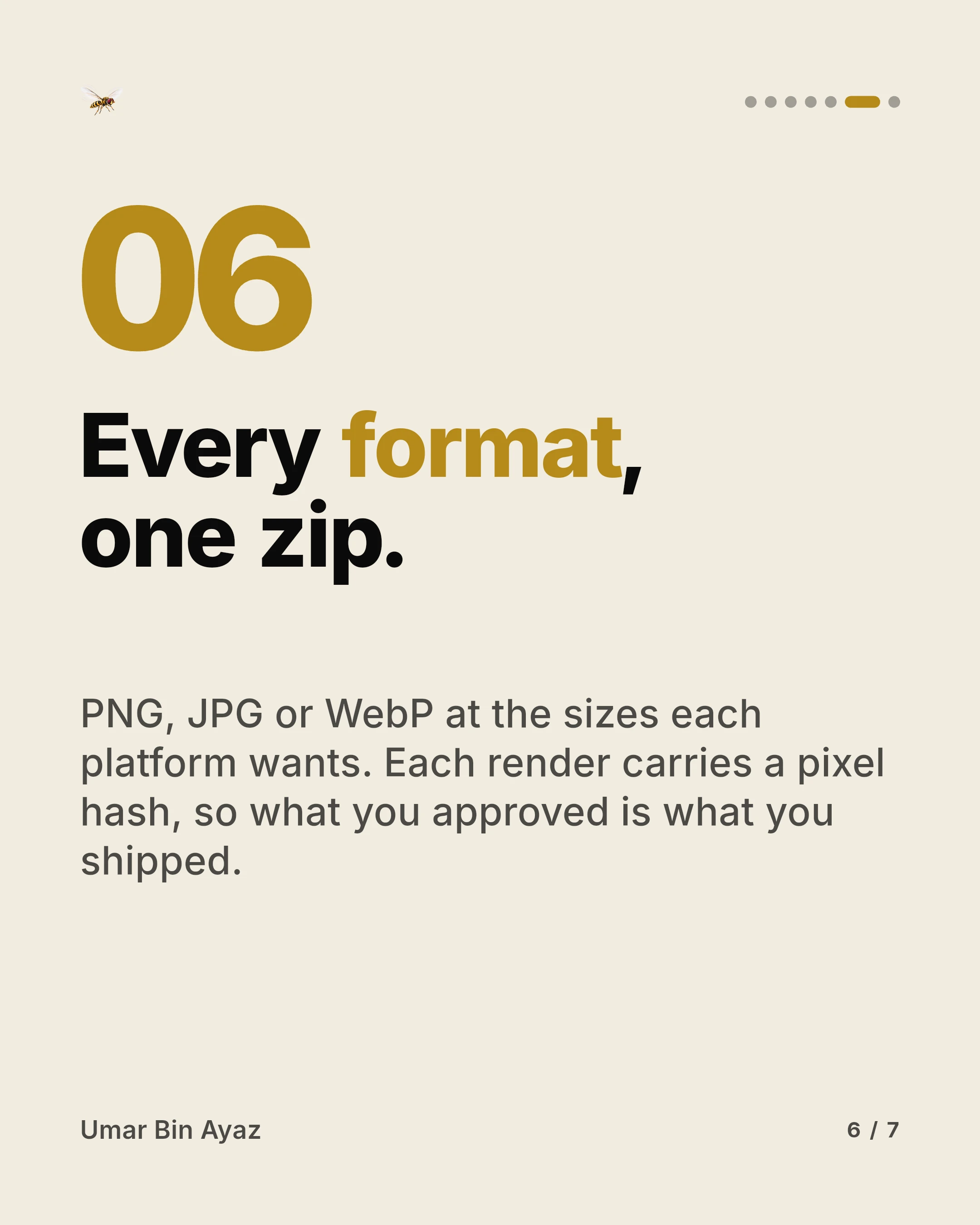
hoverfly renders every row in every format you chose and gives you the finished images as a single download.
Seven slides from one series
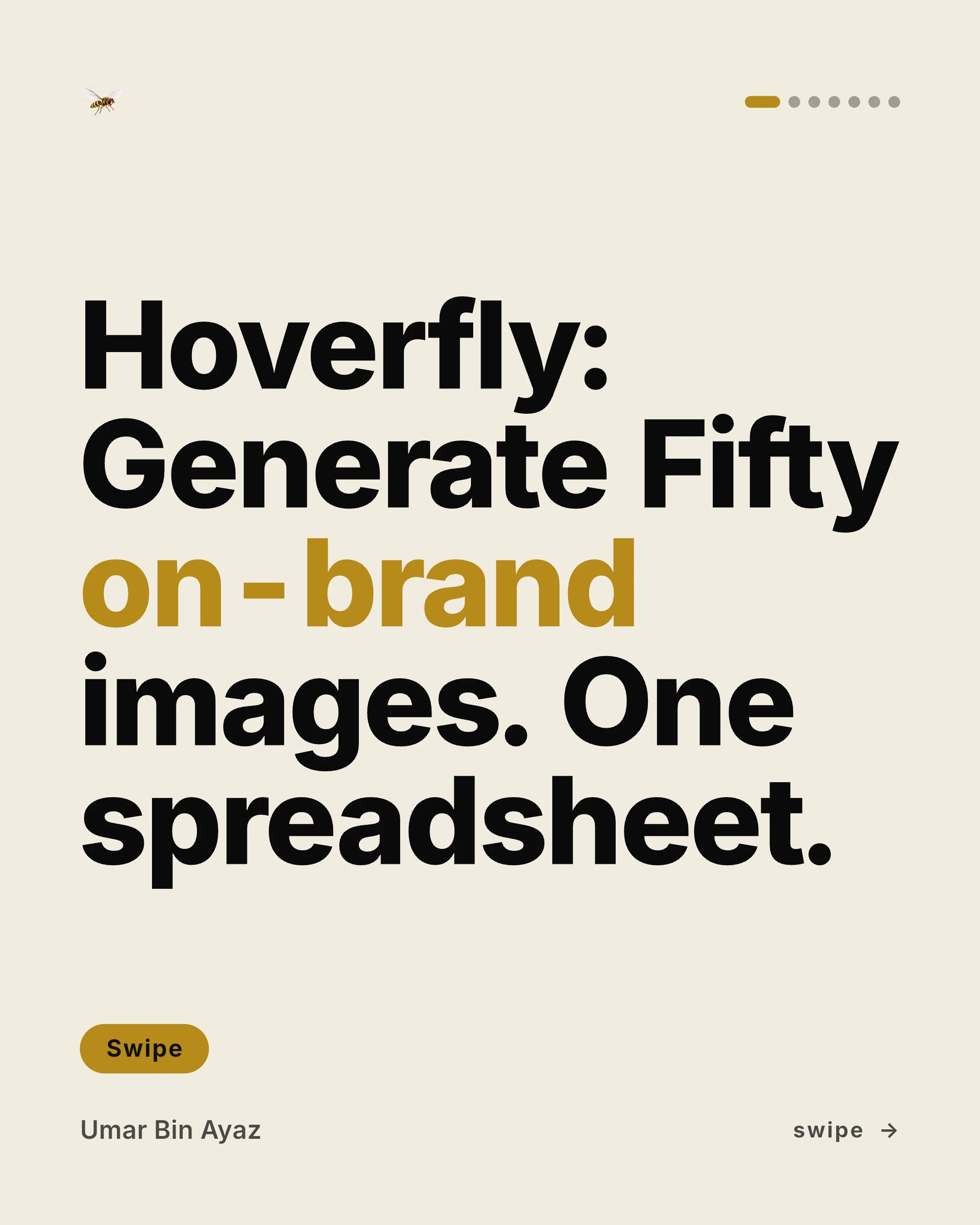
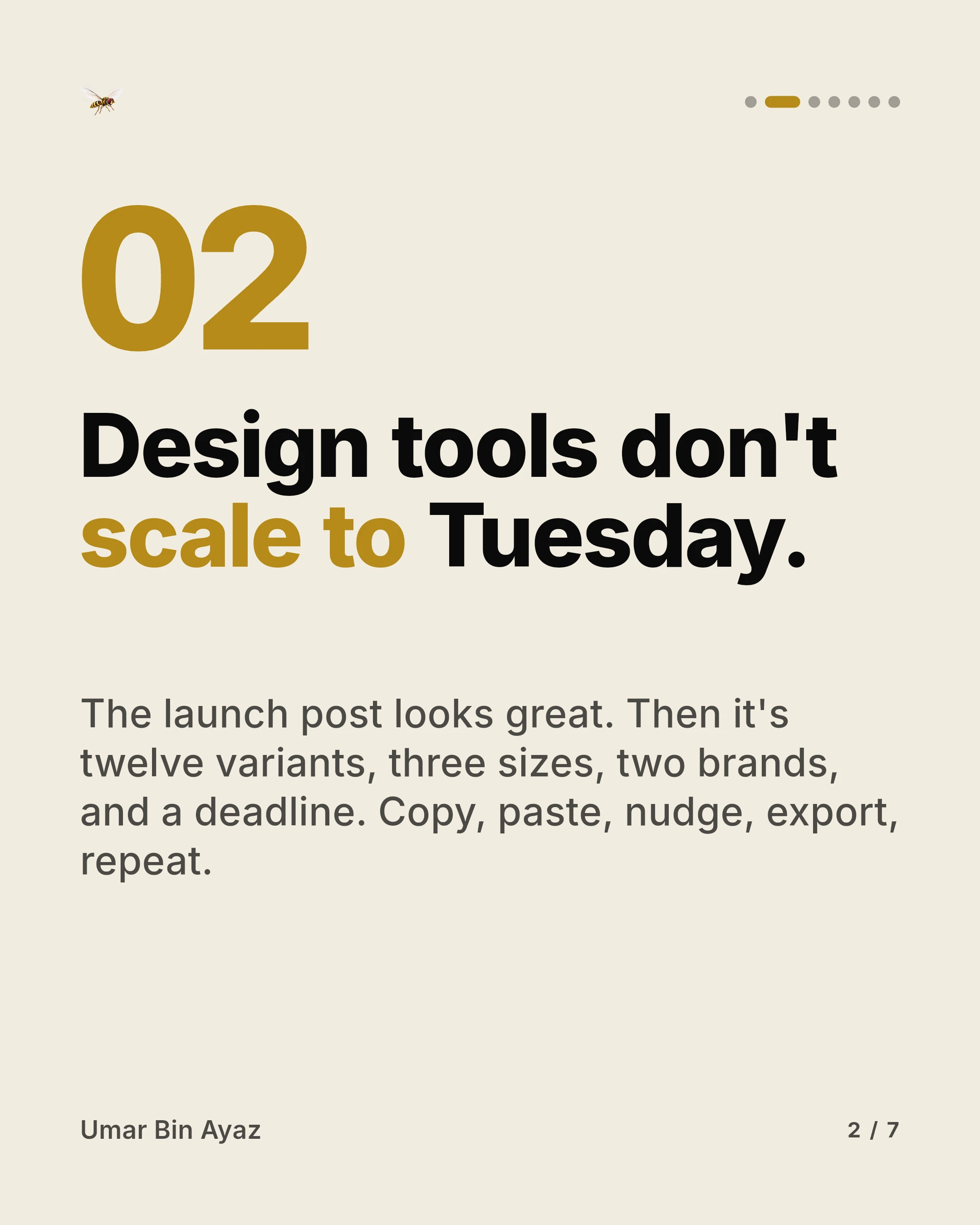
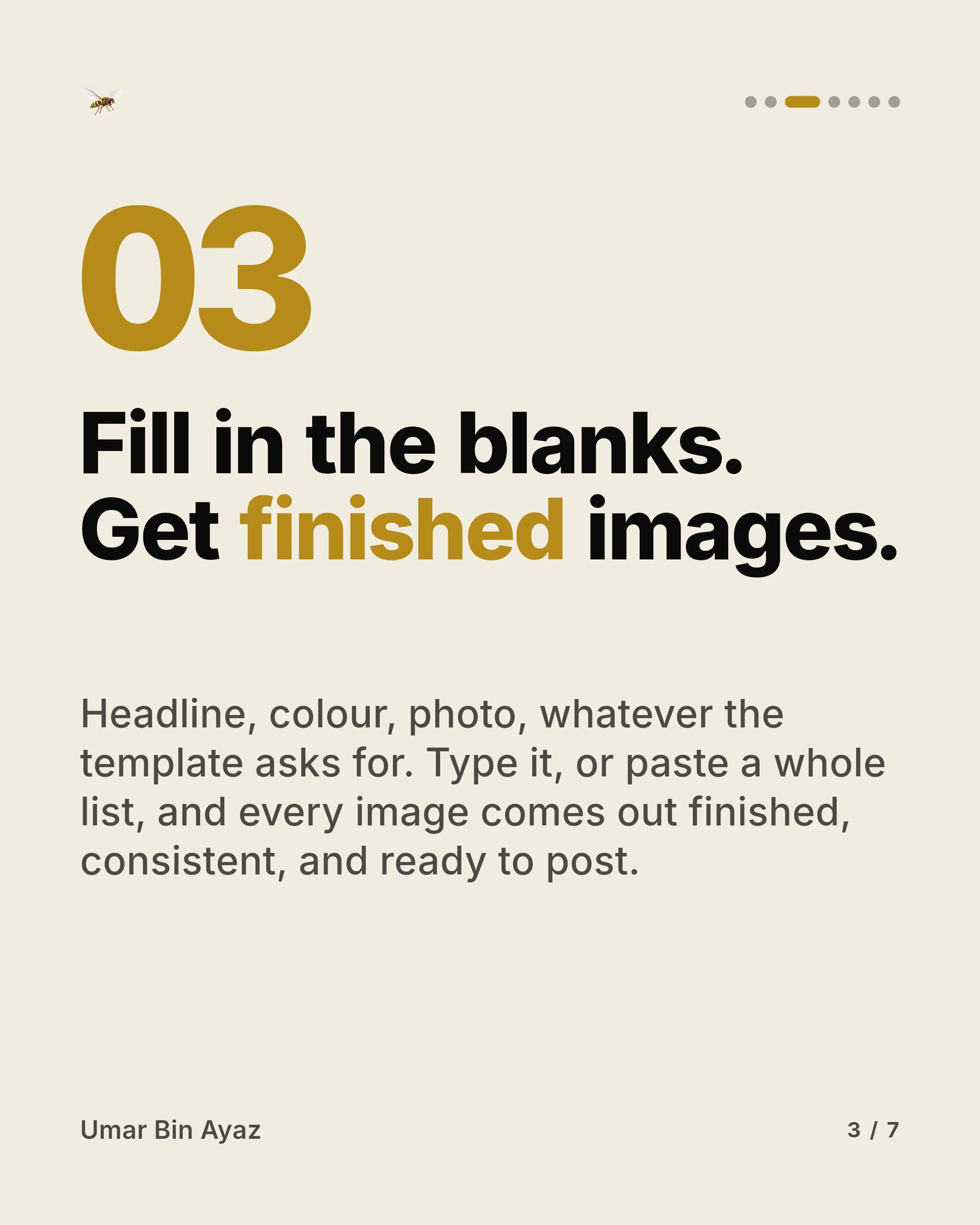
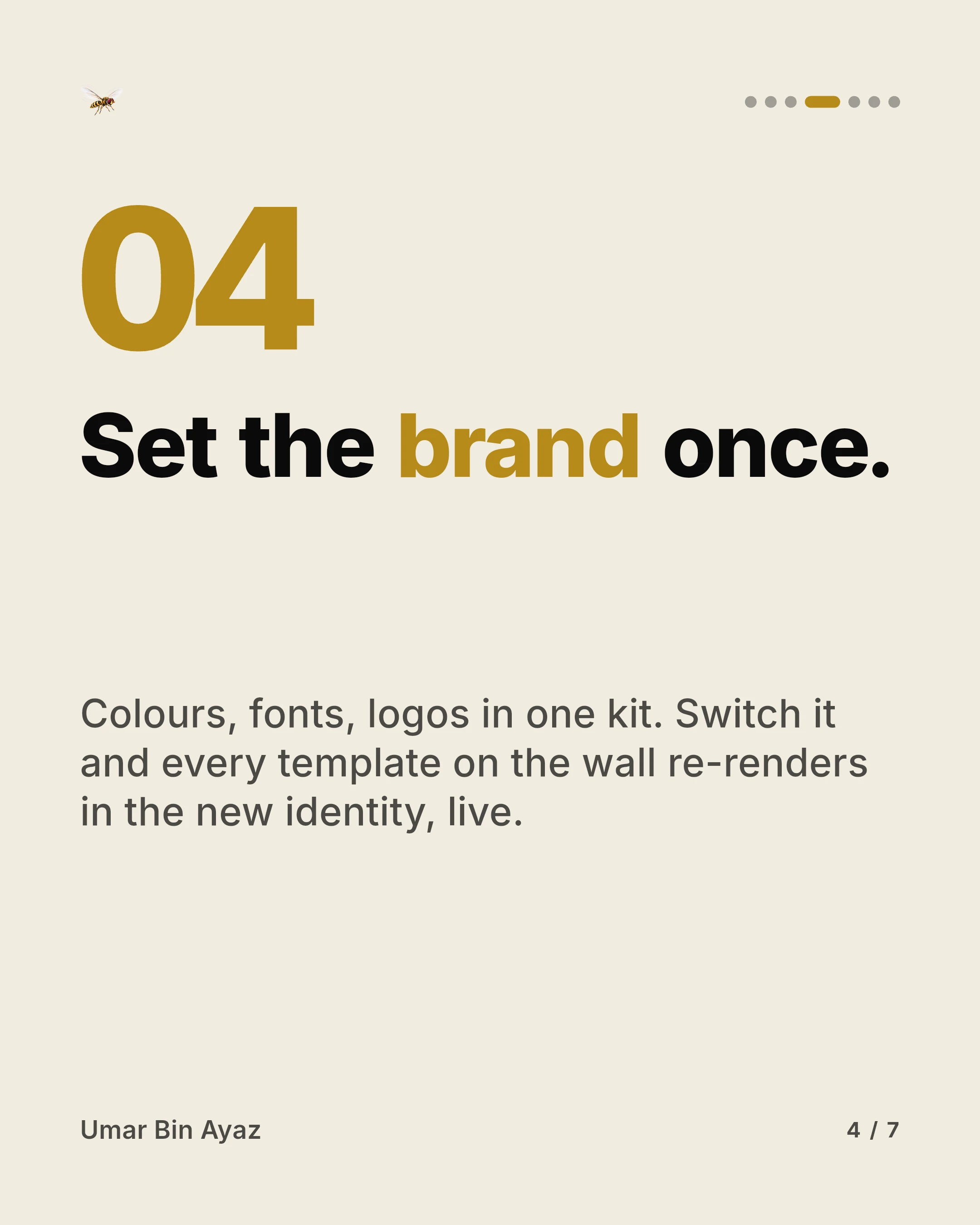
A carousel post is a series of seven rows. Each row became one slide, all from the same template and the same brand kit, in a single export.

What you get
Your brand, applied everywhere
Save your colours, fonts and logo once. Every template uses them, and a contrast check tells you when text won't be readable on a colour you've chosen.
See each image before you export
The editor shows the row you're working on as it will render, with guides for the areas platforms crop or cover.
Start from a spreadsheet
Paste rows straight in. Headers are matched to the template's fields, and anything ambiguous gets a mapping step instead of a guess.
Problems show up in the grid
Values are checked against the template's rules as you type. A bad colour code or a missing headline is flagged on the row, not found in the download.
One row, every shape
A single row becomes a post, a story and a banner. Each format has its own layout, so nothing is stretched or cropped to fit.
Exports you can leave running
Start an export and keep editing. Progress is shown live, you can cancel, and finished sets stay in your account to download again.
Pricing
Start free and upgrade when your sets outgrow the free limits. Every plan includes every template and your brand kit.
Loading plans
Your next set of images is a table away.
Free to start. Setting up a brand kit takes about a minute.
Create your account